
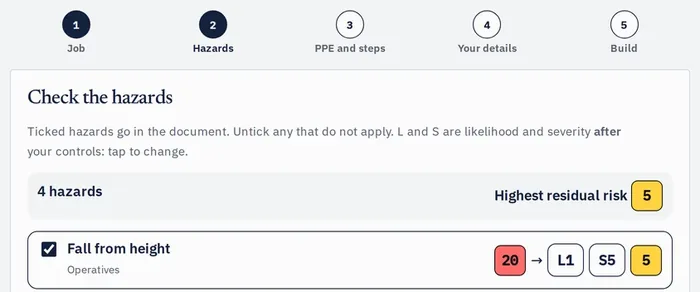
RAMS builder and pack
Choose a job and its hazards to create an editable risk assessment and method statement (RAMS) in Word: a draft to review and adapt for the actual work, site and people.
£19 one-off payment · free sample
Landlords who manage their own lets
Sole traders and the self-employed
Households, couples and flatmates
Drivers and trades who use charging zones, tolls and crossings
 Snag listPhotograph it, pin it, send each trade only their list, sign it off. Free demo; paid app from £29, one-off payment.
Construction tools · Web app · phone, tablet or laptop · works offline after the first visit online
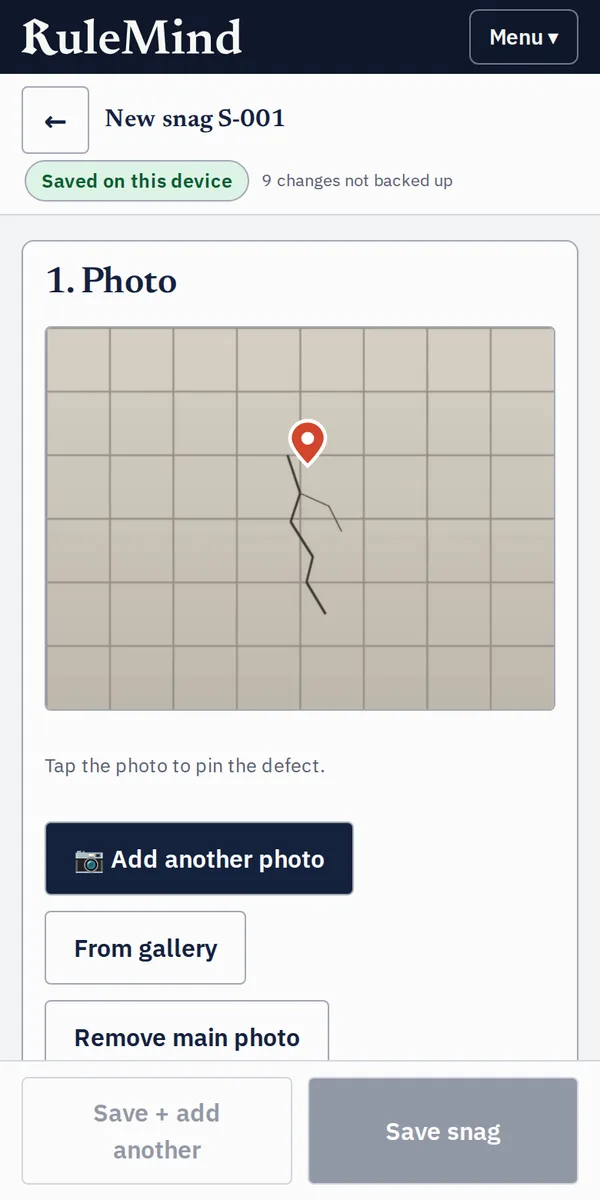
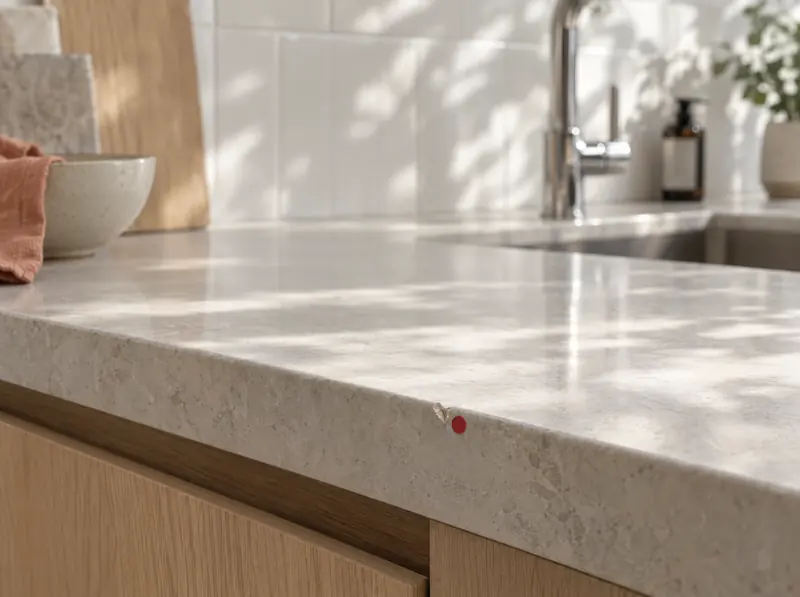
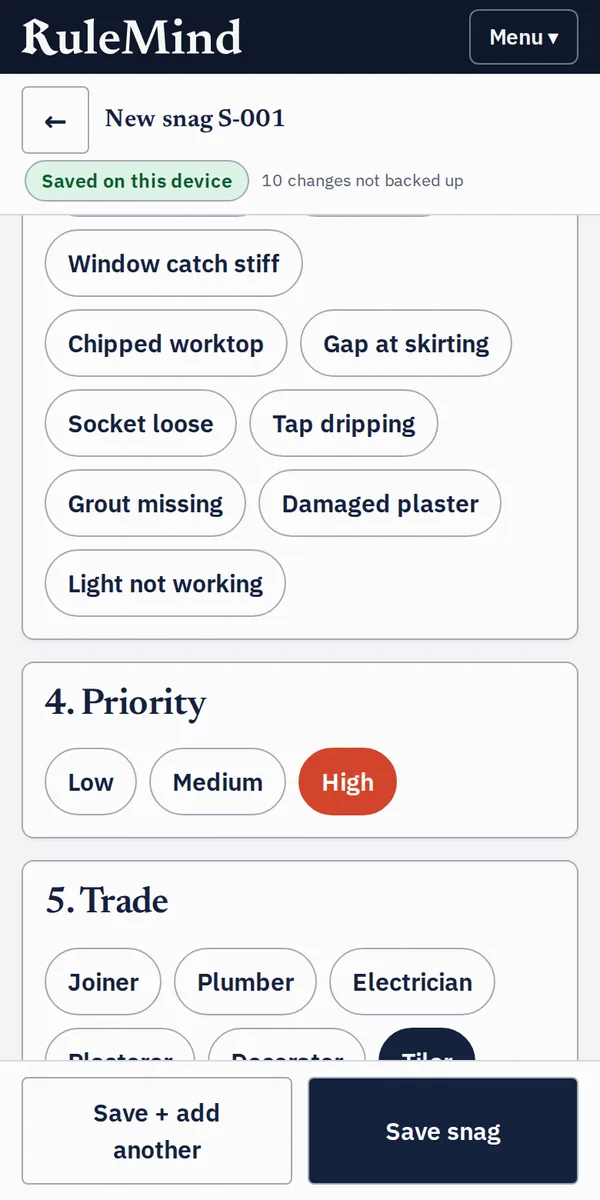
Snag list. Add a photo of each defect and pin where it is, choose the room, trade and priority, and mark each snag open, fixed or signed off. Export a list for each trade and a report for the client, then send them yourself.
Free demo: one property, up to ten snags and a watermarked PDF report. No account needed.
Already bought? Enter your licence key to open the paid version.
Last checked : calculations and exports tested against known values. Updates to the app are free.
Screens from Snag list, with example data.
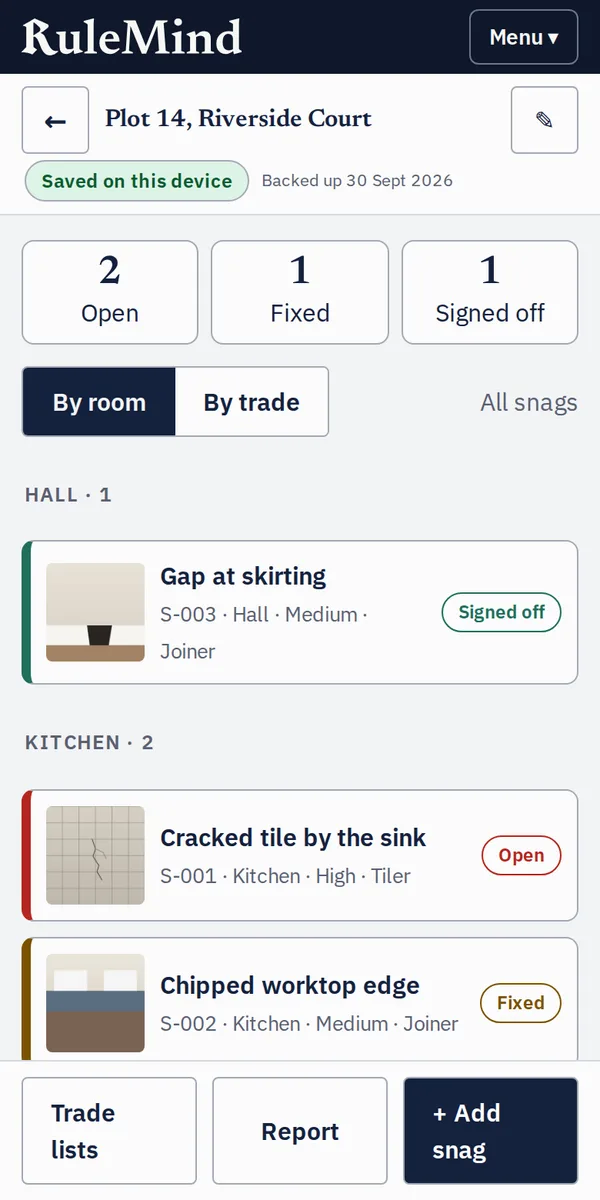
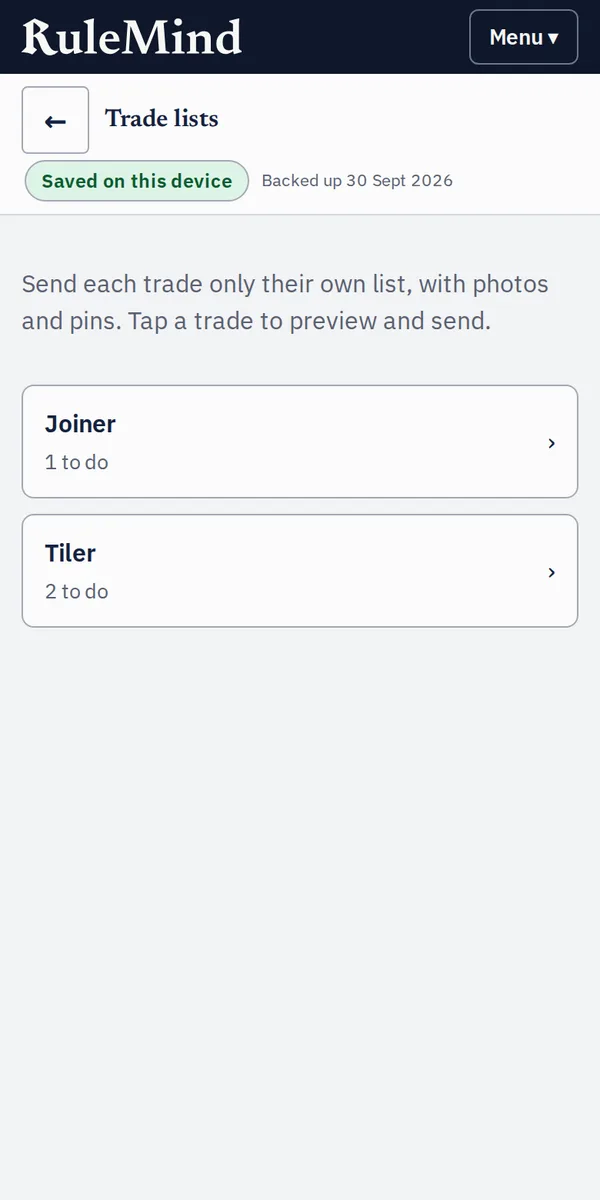
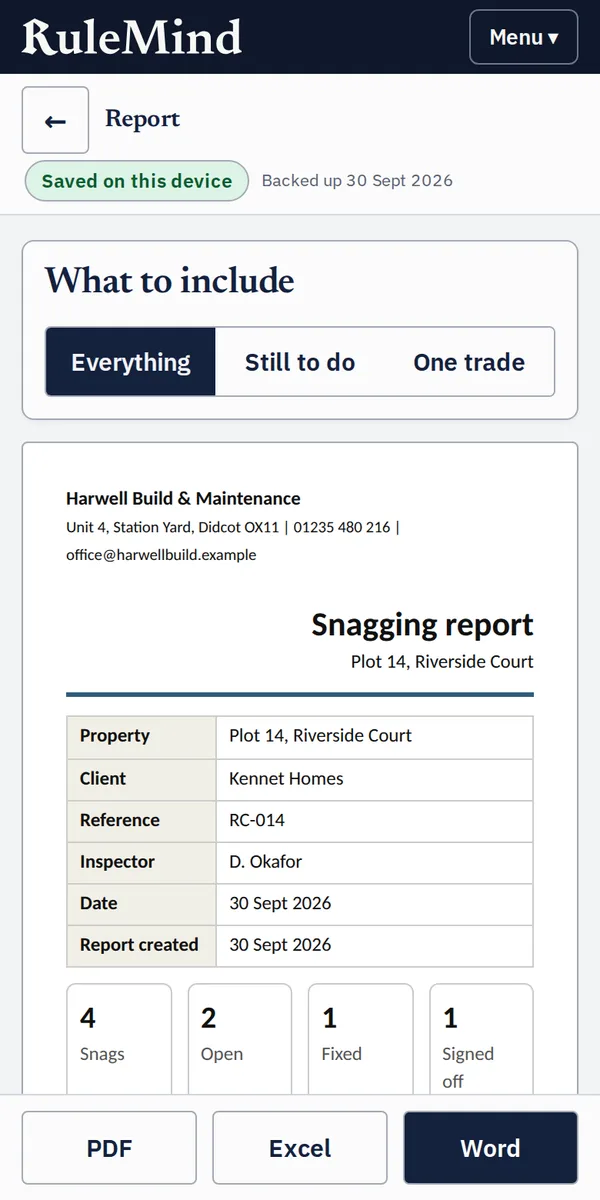
Web app · phone, tablet or laptop · works offline after the first visit online
Best for: New-build snagging, refurbishment, empty-property checks, handovers and inspections.
Try the free demo first. Licence keys don’t expire.
| Feature | Free demo | Solo £29 | 5 users £89 |
|---|---|---|---|
| Properties | 1 | Unlimited | Unlimited |
| Snags per property | 10 | Unlimited | Unlimited |
| Photo and location pin on each snag | Included | Included | Included |
| Your own trades, rooms and common defects | Not included | Included | Included |
| A separate list for each trade, to export and send | Included | Included | Included |
| Open, fixed and signed off, with date and name | Included | Included | Included |
| Your logo and company details on reports | Not included | Included | Included |
| PDF snag report | Watermarked | Included | Included |
| Excel snag list | Not included | Included | Included |
| Word snag report | Not included | Included | Included |
| Works offline after the first visit online | Included | Included | Included |
| Backup file and restore | Included | Included | Included |
| People covered by the licence | 1 | 1 | Up to 5 |
Digital product: once your licence key is issued, change-of-mind refunds aren’t available, so please try the free version first. Refund terms.
Your work is saved in your browser on your own device, not on our servers. Save a backup file regularly: clearing your browser data, or losing or replacing the device, deletes any work that isn't in a backup.
No reviews of the Snag list yet. Bought it? Leave a review. How reviews work.
No. You can use it for new-build snagging, refurbishment, checks on empty properties, handovers and inspections.
Choose a trade, open its list and save it as a PDF, Word or Excel file, then send it to them yourself, by email or however you usually do. The list shows only that trade’s open snags, with photos and pins. They don’t need the app or an account.
One property, up to 10 snags and a watermarked PDF report. Unlimited snags, your own trades and defect lists, Excel and Word files and your own branding come with a licence.
The 5 users licence lets up to five people in the same business use the app with one key, each on their own devices. Nothing is shared or synced between them: each person's work stays on their own device. Each person enters the same licence key on their own devices.
Yes, once you have opened it online. Open it once with a connection and it’s saved on your device; after that it opens and saves offline.
No. It runs in your web browser on a phone, tablet or laptop. You can add it to your home screen to open it like an app, without an app store.
Choose a job and its hazards to create an editable risk assessment and method statement (RAMS) in Word: a draft to review and adapt for the actual work, site and people.
Try Snag list with one property, up to ten snags and a watermarked PDF report. No account needed.
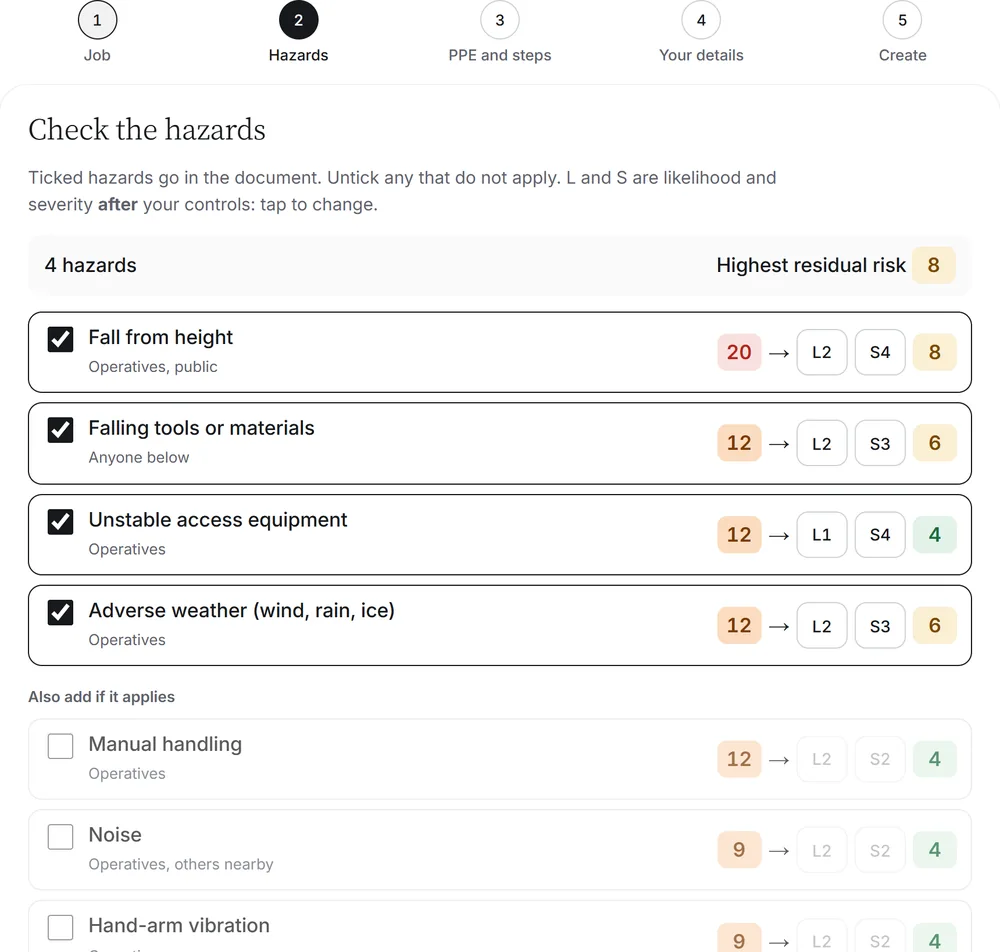
Create a shortened, watermarked Word document to preview the risk assessment and method statement layout. For preview only, not for use on site.